¶ Troubleshooting Shopify Sync Errors
Once you have connected your Shopify store to Marmin, your orders and refunds should flow automatically into Marmin to be created as compliant e-documents.
However, sometimes a sync may fail due to incorrect or missing data. When this happens, the error will be recorded in your sync logs. This guide will help you understand the most common errors and how to resolve them.
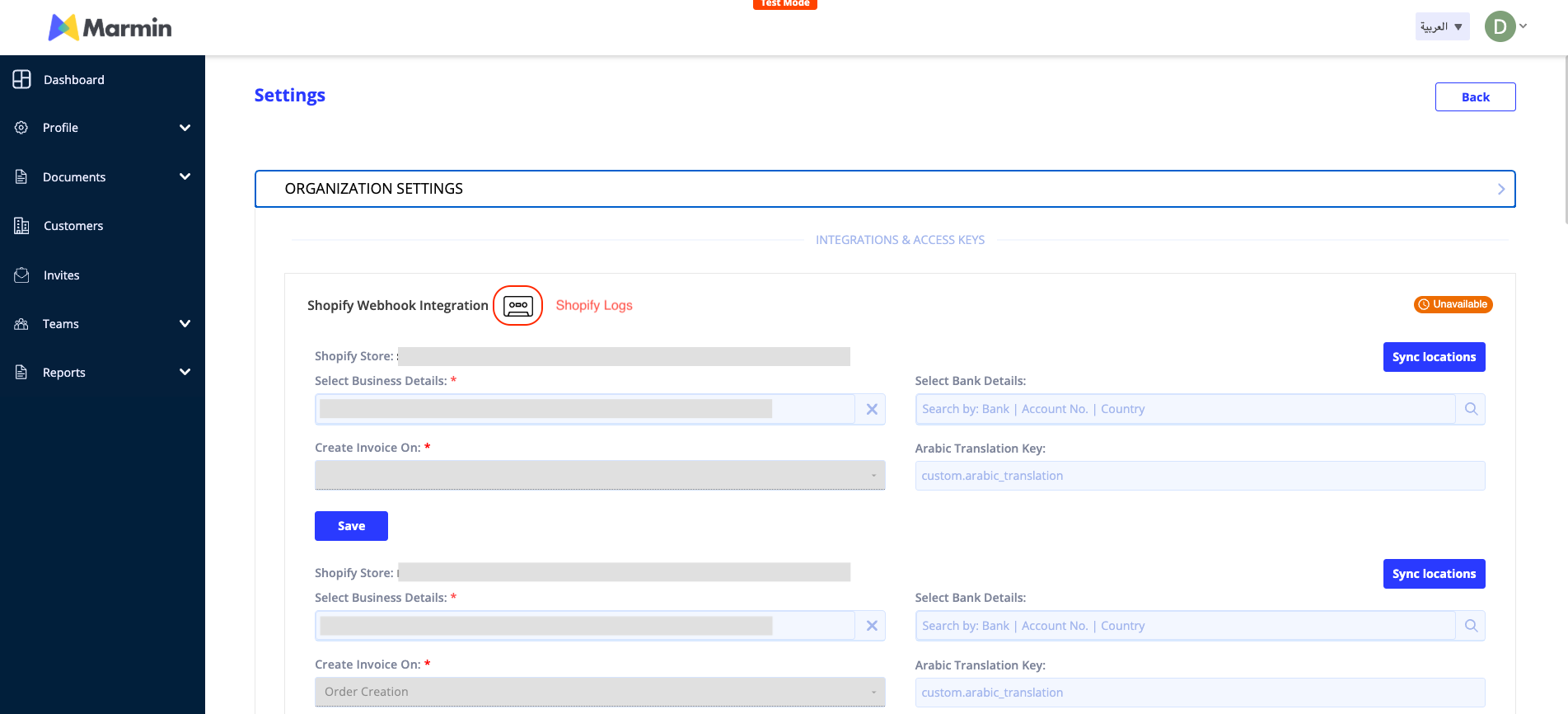
You can access your logs by navigating to Settings > Organization Settings > Shopify and clicking the "View Logs" button.
¶ Still Need Help?
If you encounter an error that is not on this list, or if you are still unable to resolve the issue, please do not hesitate to reach out to our support team.
Email: support@marmin.ai
¶ Commonly Occurring Sync Errors
Below is a table of common errors you might encounter in your logs, along with the steps to fix them.
| Error Category | Error Message | Rectification Steps |
|---|---|---|
| Duplicate Entry | {"invoice_validation":"{ID} is already used"} | This error means an invoice or credit note with the same number already exists in Marmin. Please check your Shopify order/refund to ensure the number is unique. |
| Product & Line Item | {"item_details":"This field can't be empty"} | A required field for one of the line items in the order is missing. This is often the item description or unit price. Please check the product details in your Shopify catalog to ensure all required fields are filled out. |
| Data Mapping & Validation | {"credit_note":"VAT Category Code should be 'Z' for an Exports Invoice"} | The sync failed because the document is for an export, but the VAT Category was not set correctly. Please review the tax settings for the products or the order in Shopify to ensure they are correctly flagged for export, which will map to a 'Z' (Zero-rated) category. |
| Customer Data | {"customer_validation":{"email":"Email is not in correct format"}} | The customer's email address in the Shopify order is invalid. Please find the customer in your Shopify account and correct their email address to a valid format (e.g., name@example.com). |
| Customer Data | {"customer_validation":{"name":"Customer Name is mandatory..."}} | The customer's name is either missing or too long in the Shopify order. Please ensure every customer has a name in their Shopify profile and that it is under 80 characters. |
| Integration & API | unable to fetch order with id {ID}: GraphQL Client: fetch failed | Marmin was unable to connect to Shopify's API to get the full order details. This is often a temporary network issue. If it persists, please check your connection status in the Marmin integration settings. |